1. What Is a BMP Image?
BMP (Bitmap) is a lossless, uncompressed image format developed by Microsoft. It works like a precise grid, recording the color information for every pixel directly instead of using complex compression.
Because BMP keeps the image data intact and is widely compatible, it is useful as a raw image format. The tradeoff is that BMP files are usually large.
MicroBlocks can display BMP images on the TFT screen. In this activity, you will make a small rock-paper-scissors example.
2. Preparation
Step 1: Add the BMP library
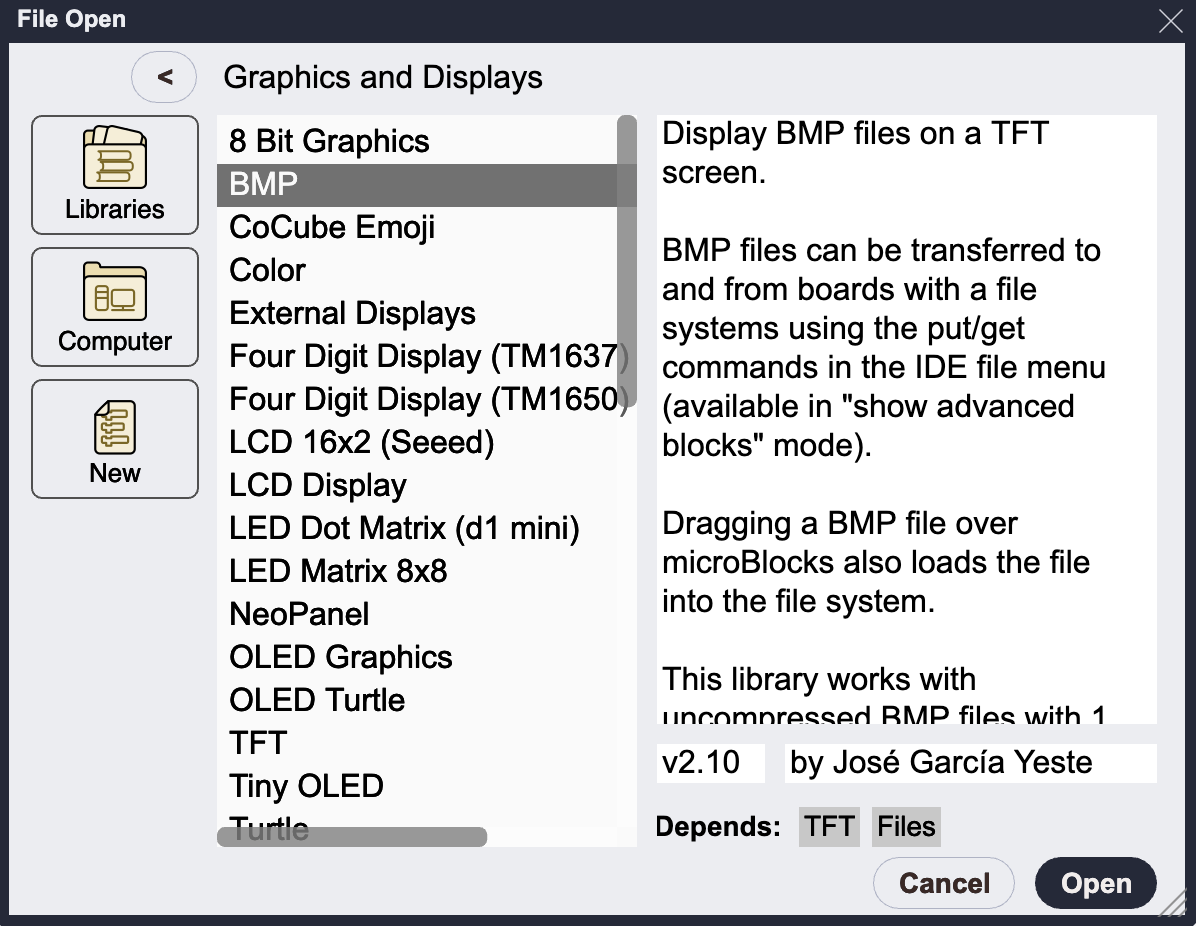
In the MicroBlocks IDE, open Add Library, then find and add BMP in the Graphics and Displays folder.
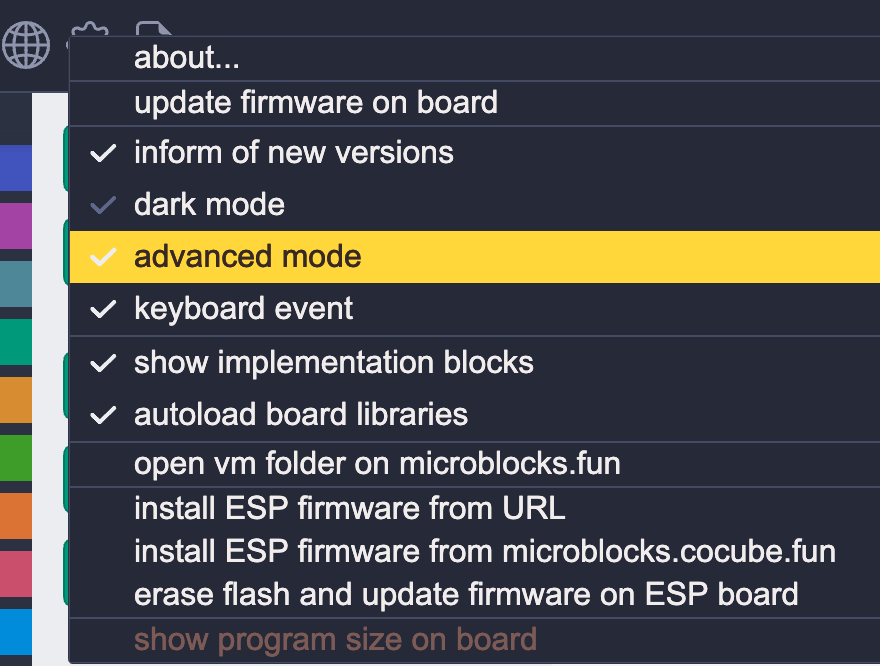
In Settings, enable advanced mode. You will see the Files library on the left.
Step 2: Create BMP image files
BMP files are large because they do not leave out image data, and they do not support transparent layers. For that reason, they are not commonly used for web transfer.
That is fine for this activity. We can create BMP files from PNG images.
Open the PNG to BMP tool. Resize the image to 240 x 240 or smaller, then convert and download it.
Step 3: Upload BMP images to CoCube
In the MicroBlocks File menu, choose Upload File to Board and upload your converted BMP file.
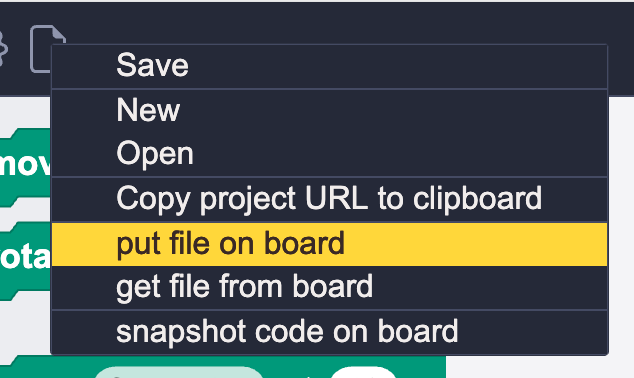
If you cannot find Upload File to Board, make sure advanced mode is enabled.
Please wait while uploading. Do not switch tabs, minimize the browser, or switch to another app, because that may interrupt the upload.
After uploading, use the file names block to confirm that the files exist. Make sure paper.bmp, rock.bmp, and scissors.bmp are ready.
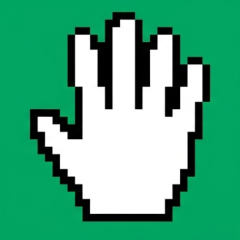
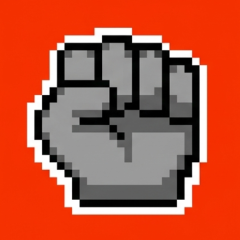
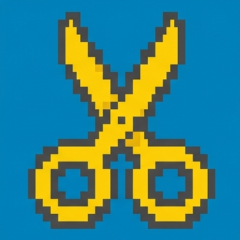
To use the example assets directly, download these three BMP files first, then upload them to CoCube.

3. Write the Program
- Button A: show rock. Button B: show scissors. A+B together: show paper.
- Use a few blocks to check the buttons and display the matching BMP. You can also play a short sound for feedback.
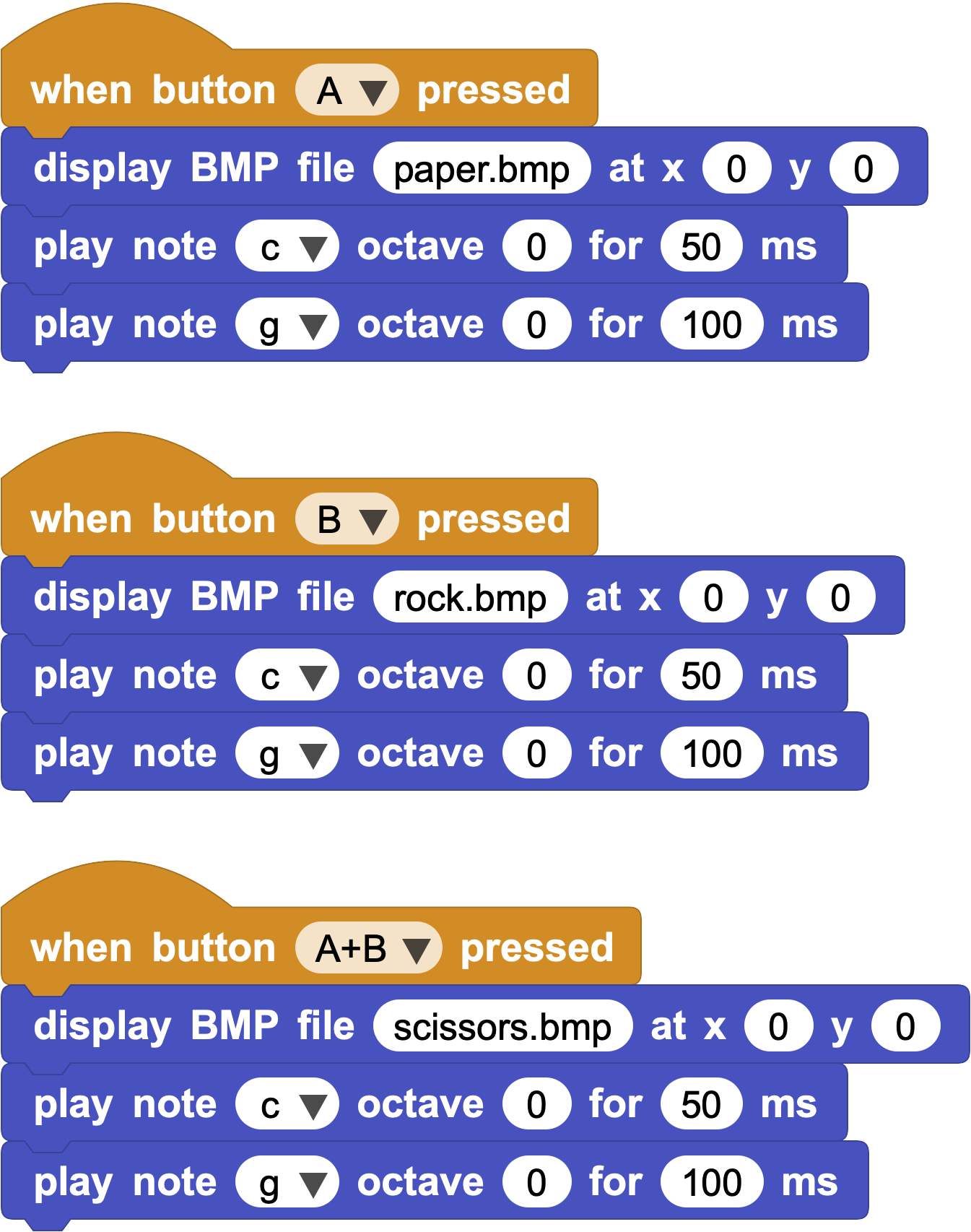
Done. Ask a friend or family member to play a round with you.
4. Extend and Create
Try uploading your own favorite image, such as Rosa the bunny, and make a personalized screen or theme.