1. Goal
Program the CoCube robot to understand AI technology in computer vision. Complete color recognition and traffic sign card recognition to perform corresponding actions, ultimately realizing a creative smart traffic sandbox.
2. Materials
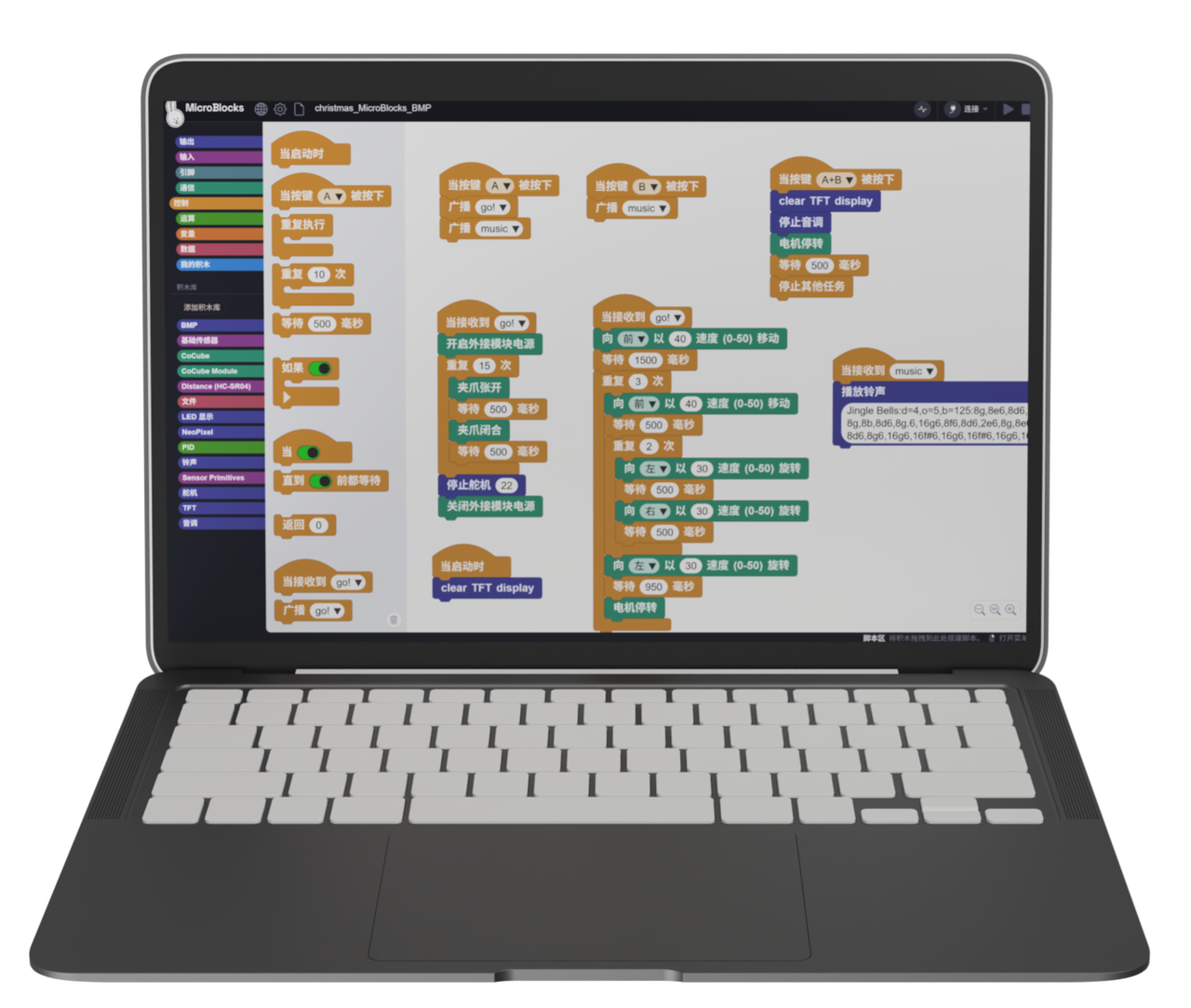
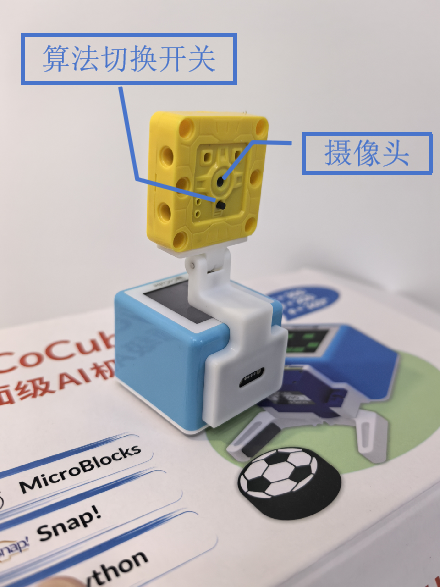
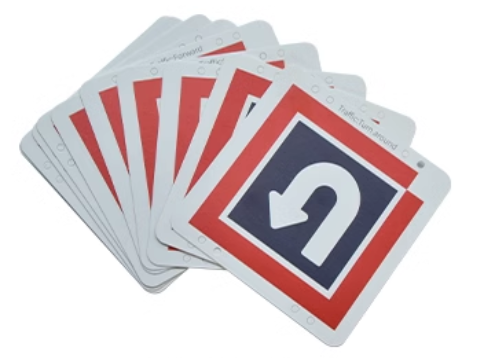
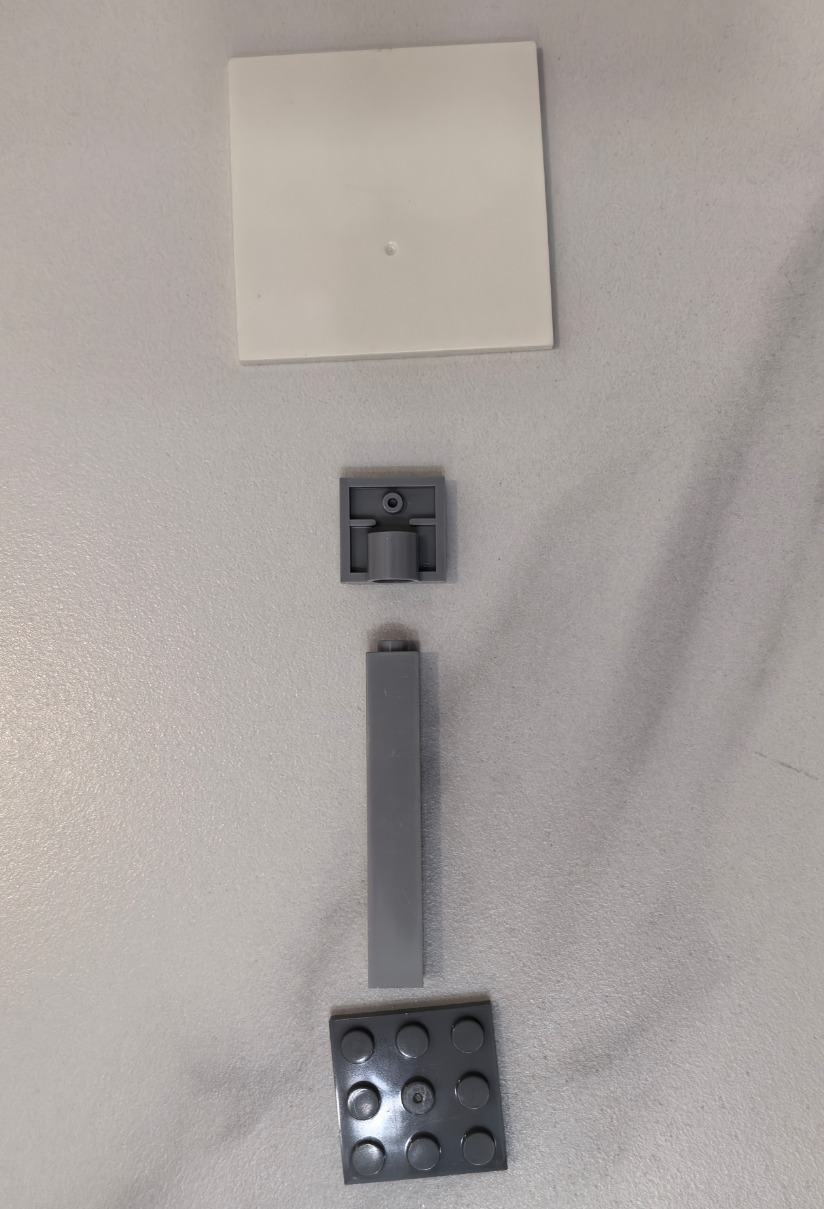
Use the AI vision module—"Sengo1 AI Camera" or "Sengo2 AI Camera". As shown, the circular lens identifies images. The algorithm mode can be switched manually via the black button or controlled through MicroBlocks.
3. Software Platform
4. Basic Knowledge
Block Descriptions
- Sengo1 Initialization Block
The initialization block must be executed before using the camera. It is usually placed under the "when started" hat block.

- Sengo1 Set Mode Block

Built-in algorithms include "Color Recognition", "Blob Detection", "Ball Detection", "Line Tracking", "Card Recognition", "Face Recognition", and "QR Code Recognition".
This case uses "Card Recognition" and "Color Recognition" to explain the AI camera principles.
- Sengo1 Color Reading


Reading the color provides a basic type (e.g., "red", "black"). Obtaining RGB values allows for more precise color recording and reproduction.
- Sengo1 Color Detection Area Adjustment

The detection area is rectangular. Use this block to adjust its size: x and y control the top-left corner, while width and height control the dimensions. Usually, the area is centered; reducing the size allows for more detailed recognition.
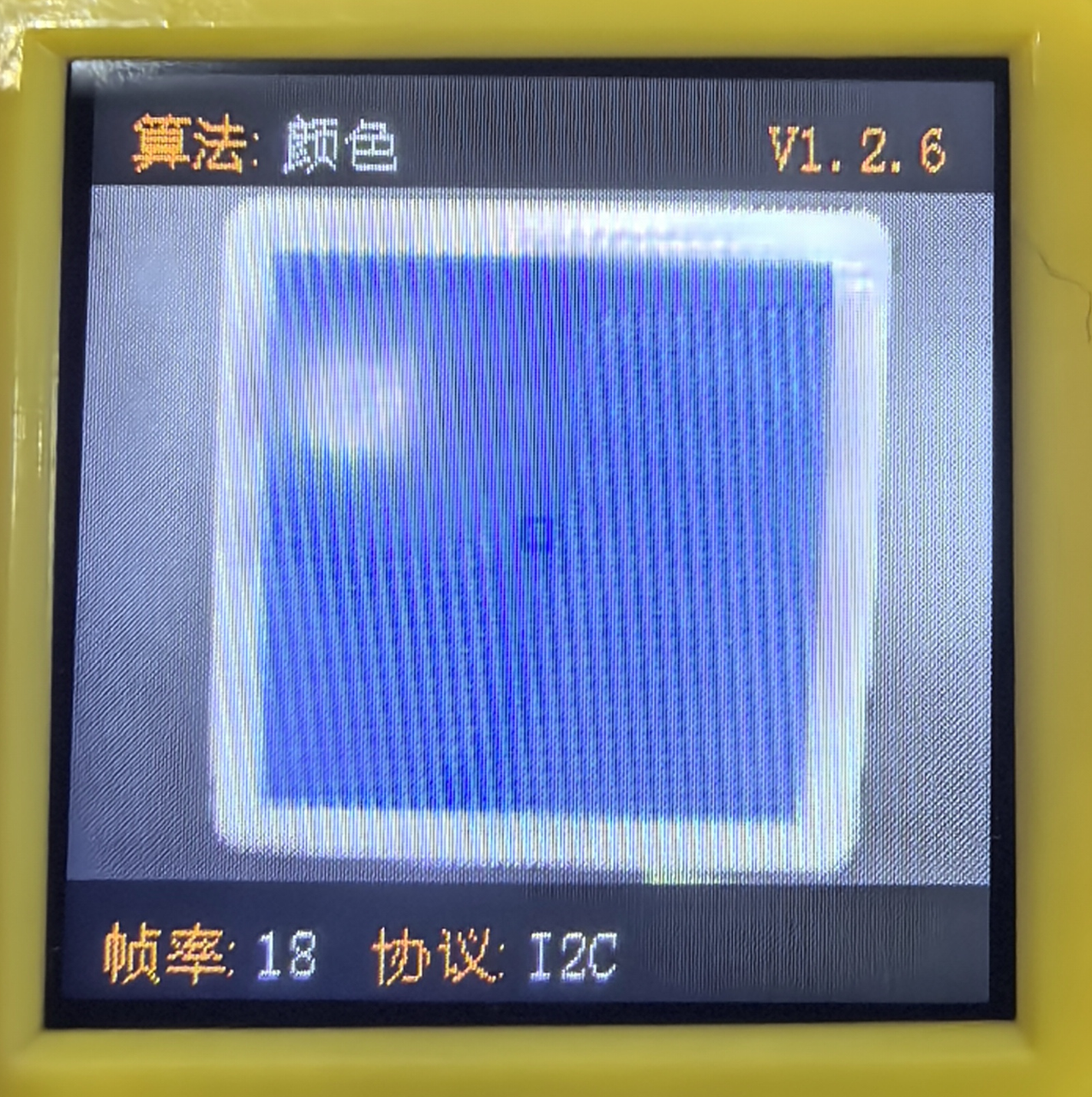
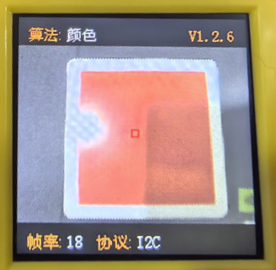
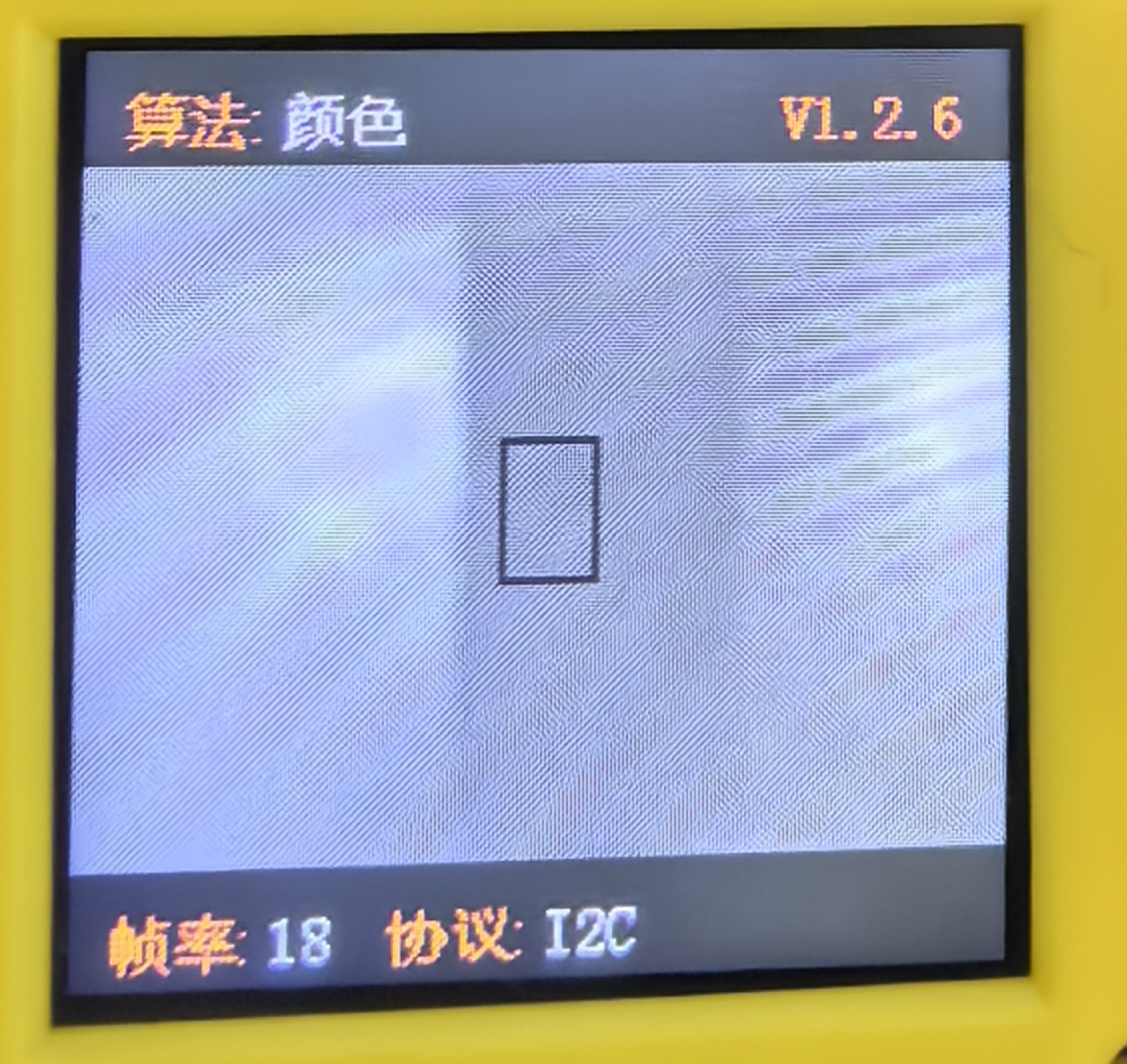
The border color of the detection area changes according to the identified color. The right image shows an expanded detection area.
- Sengo1 Card Result Reading

Returns the traffic card recognition result.

Returns attributes of the detected object ID, including center x-coordinate, center y-coordinate, width (w), and height (h).
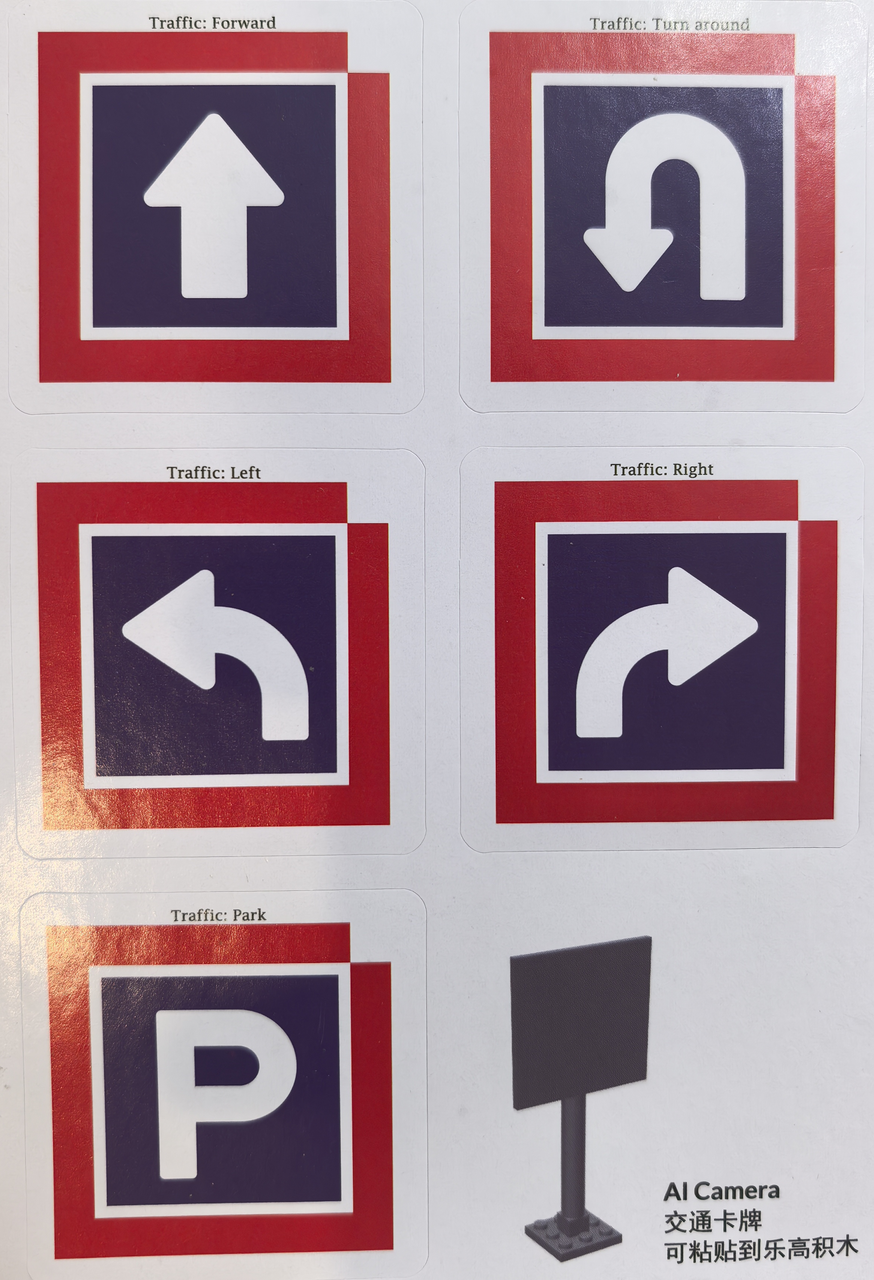
Sengo1 currently recognizes 5 traffic cards: "Forward", "Turn around", "Left", "Right", and "Park", corresponding to results "forward", "back", "left", "right", and "park".
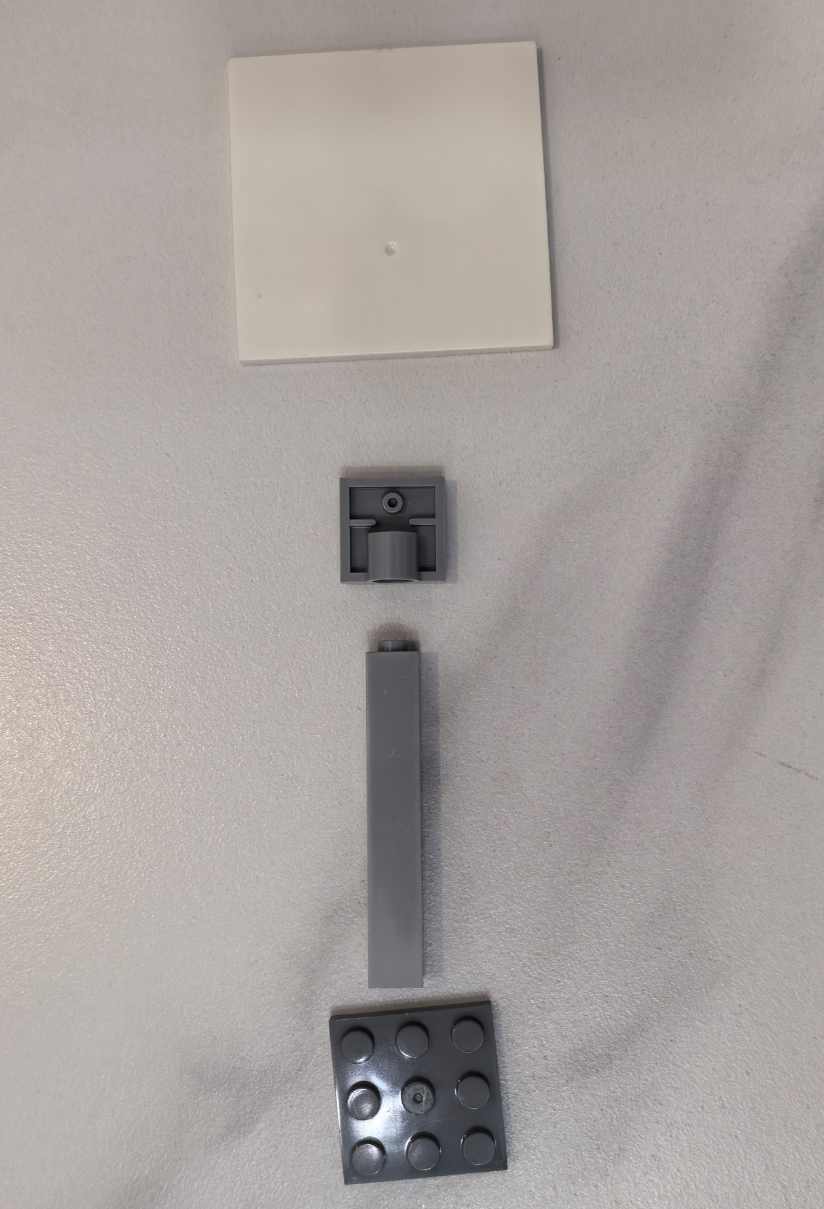
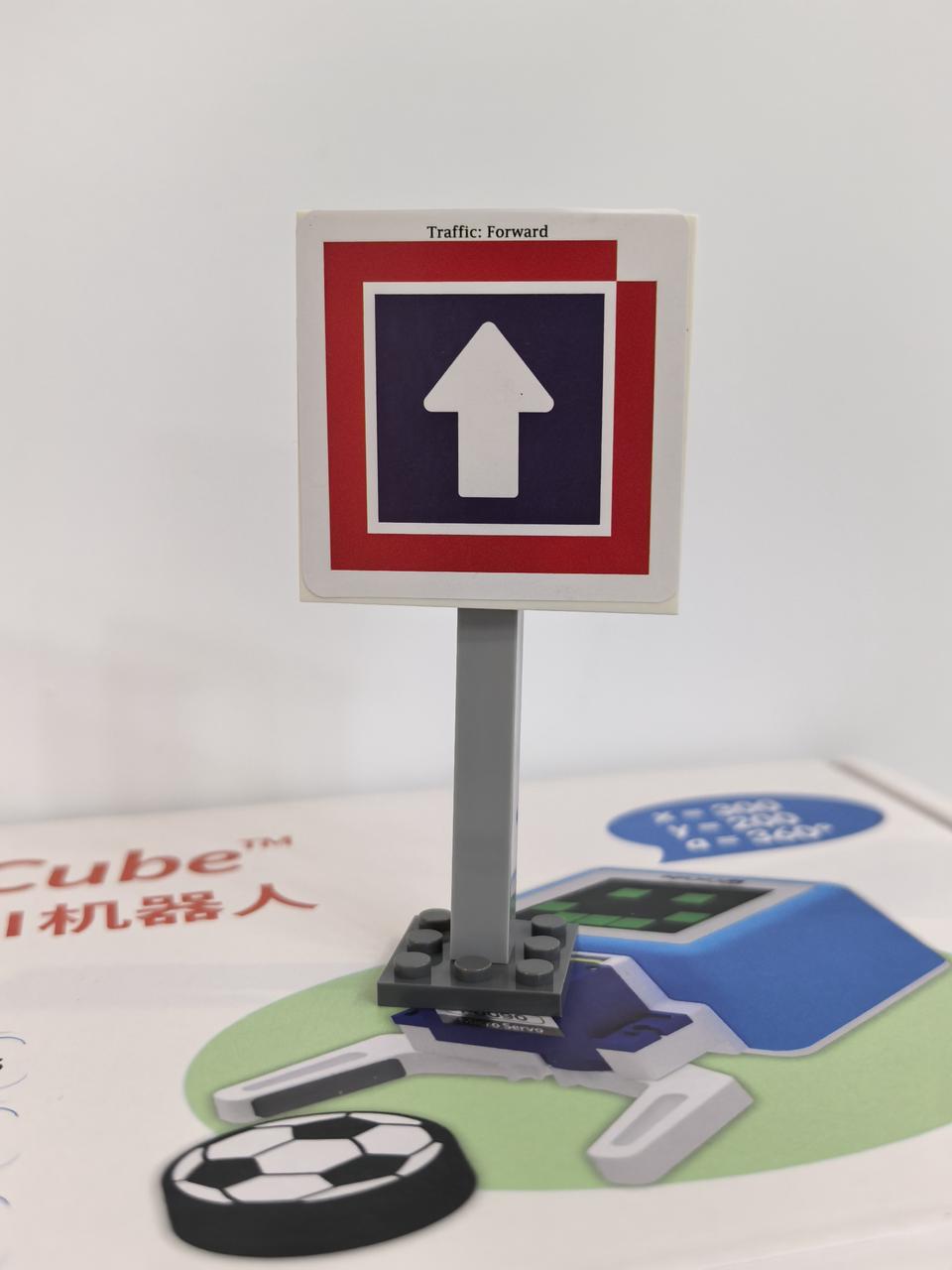
Assemble the blocks and paste the cards onto LEGO bricks to create traffic signs as shown:
5. Programming
Connect Device: Connect the MicroBlocks IDE to the CoCube robot via wired or wireless connection. Attach the AI vision module to the front of the robot.
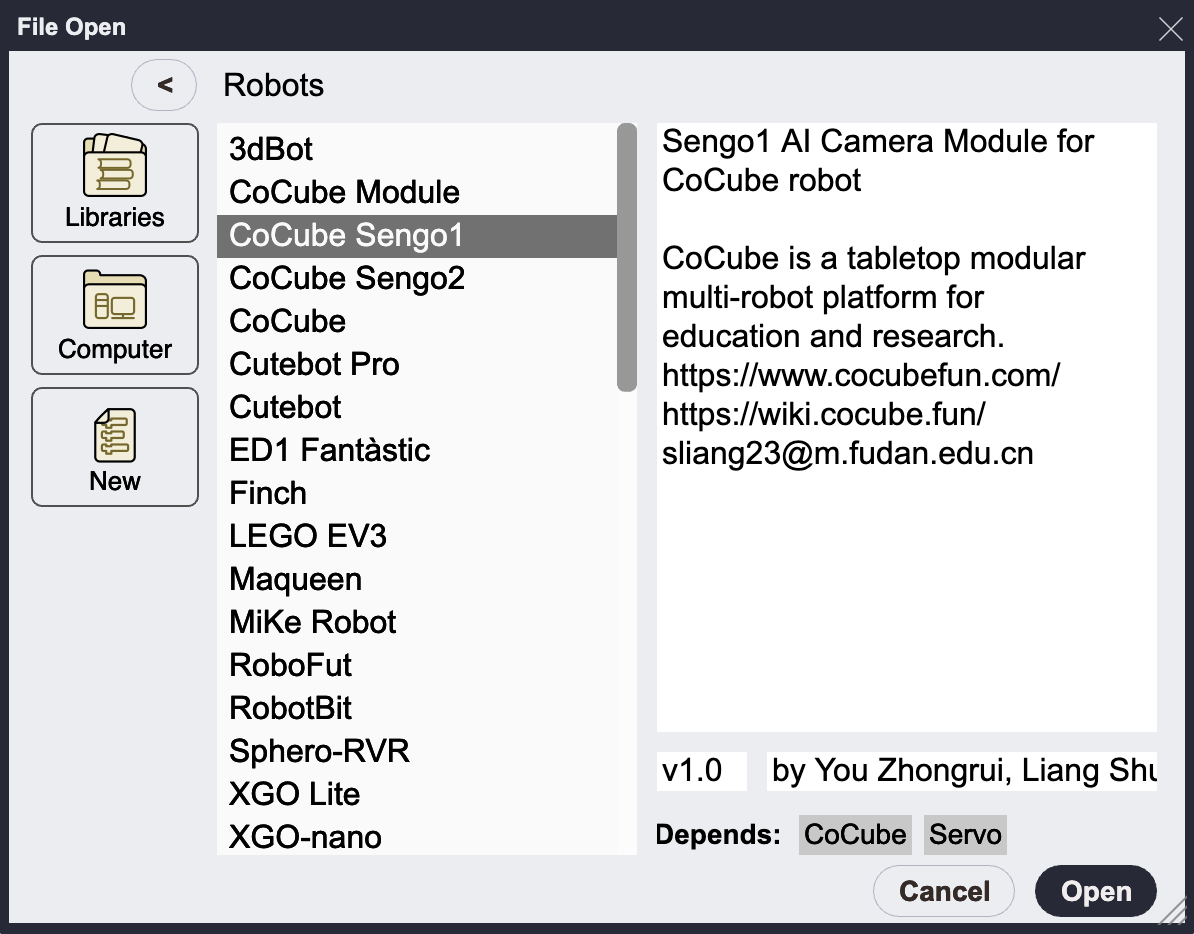
Load Libraries: Add "CoCube Sengo1" or "CoCube Sengo2" from the library. Sengo2 offers more features, but their basic usage is similar. This tutorial uses Sengo1.
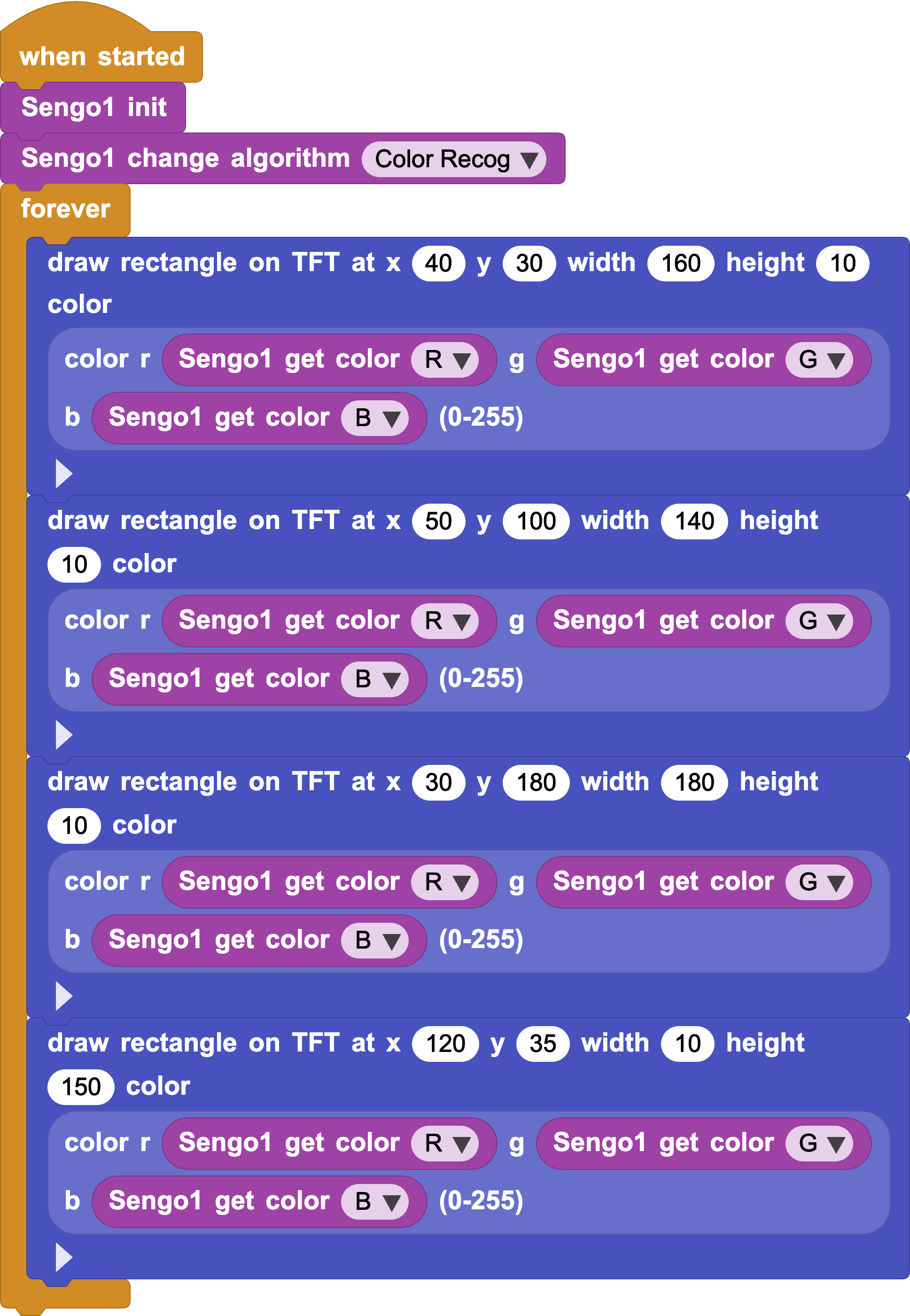
- Color Recognition: Combine the color recognition algorithm with the TFT display. When the camera captures a color, it extracts the RGB components and sends them to the TFT screen to dynamically change the color of the character "王".
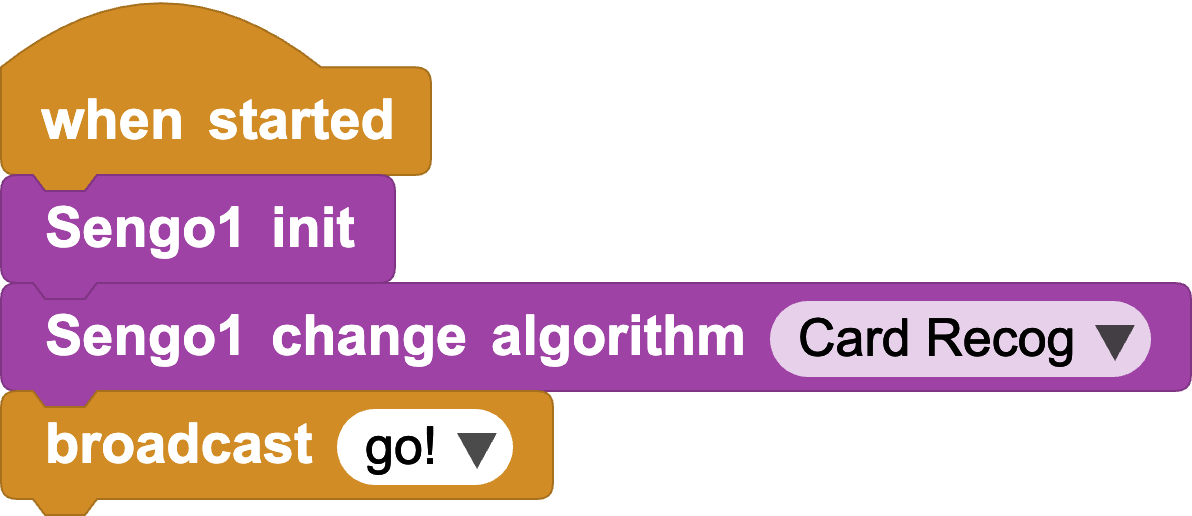
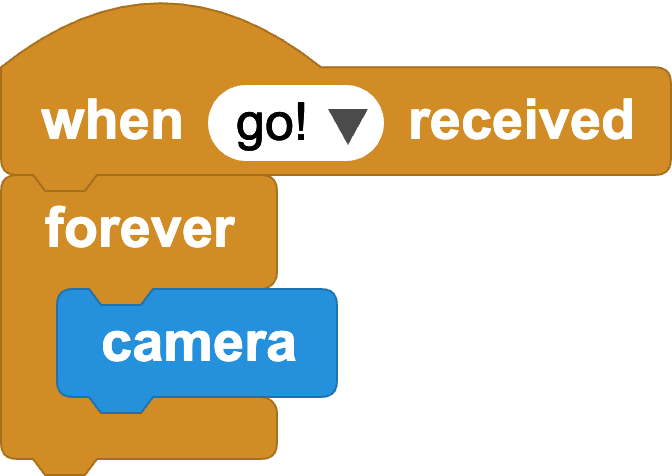
- Camera Module Initialization: Place "Sengo1 init" under "when started" and set the algorithm to "Card Recog". Use broadcasts to set up parallel programs and define a custom "camera" command block.
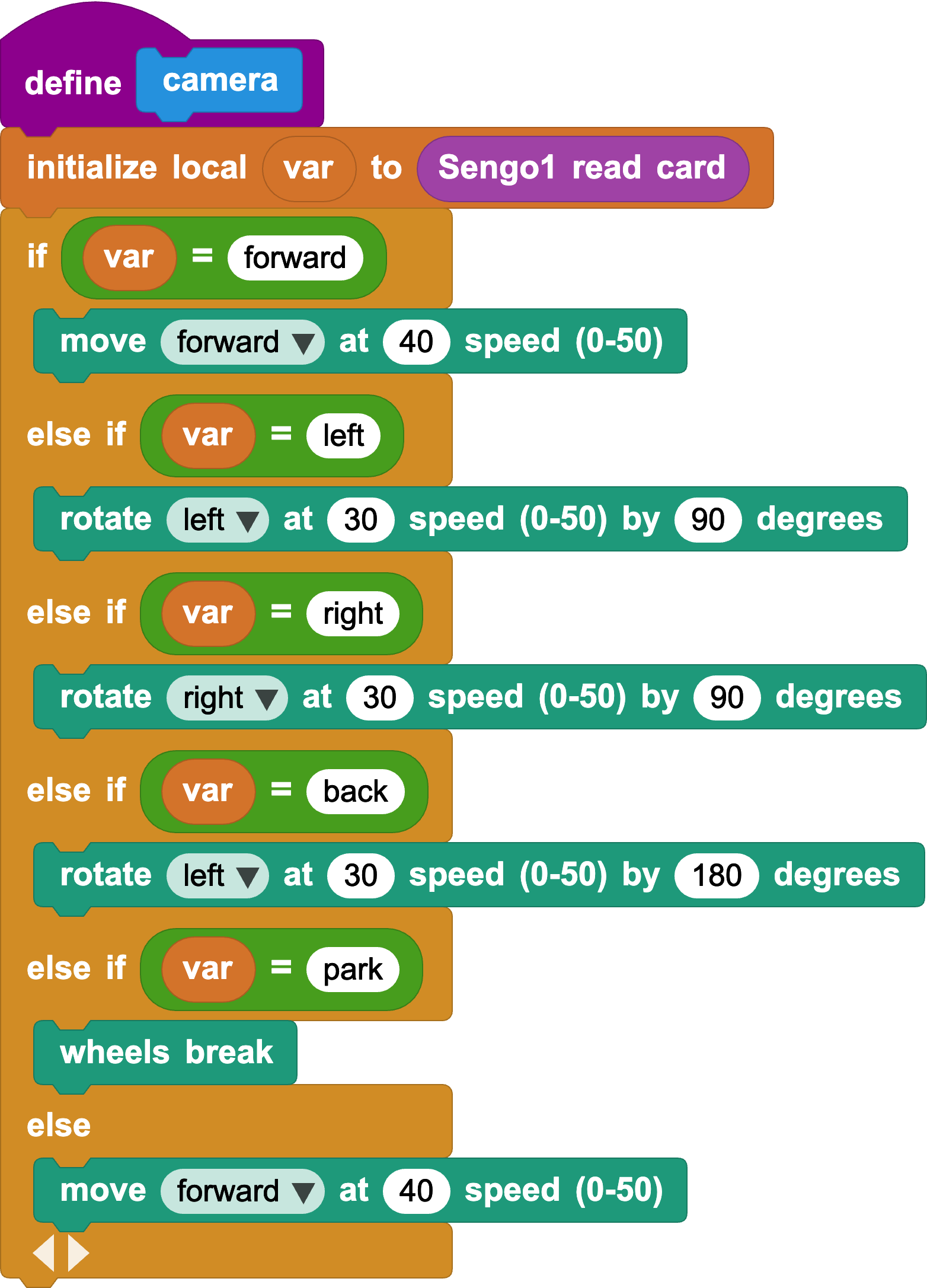
- Traffic Card Recognition: Use conditional logic to map recognized card info to specific movements. When a specific card is identified, CoCube performs the corresponding action.
Pro Tip
Card recognition can detect distant cards, which might trigger actions too early. Use "card width" to filter these out; for example, only trigger actions when card width > threshold.
- Distance Adjustment: Add a width check at the beginning of the "camera" block to control the trigger distance.
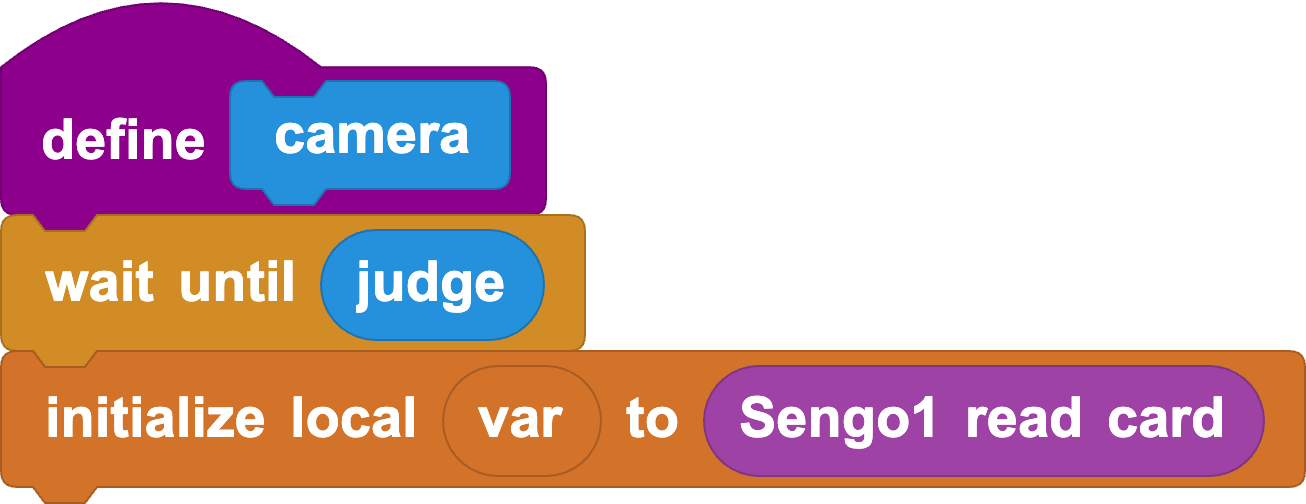
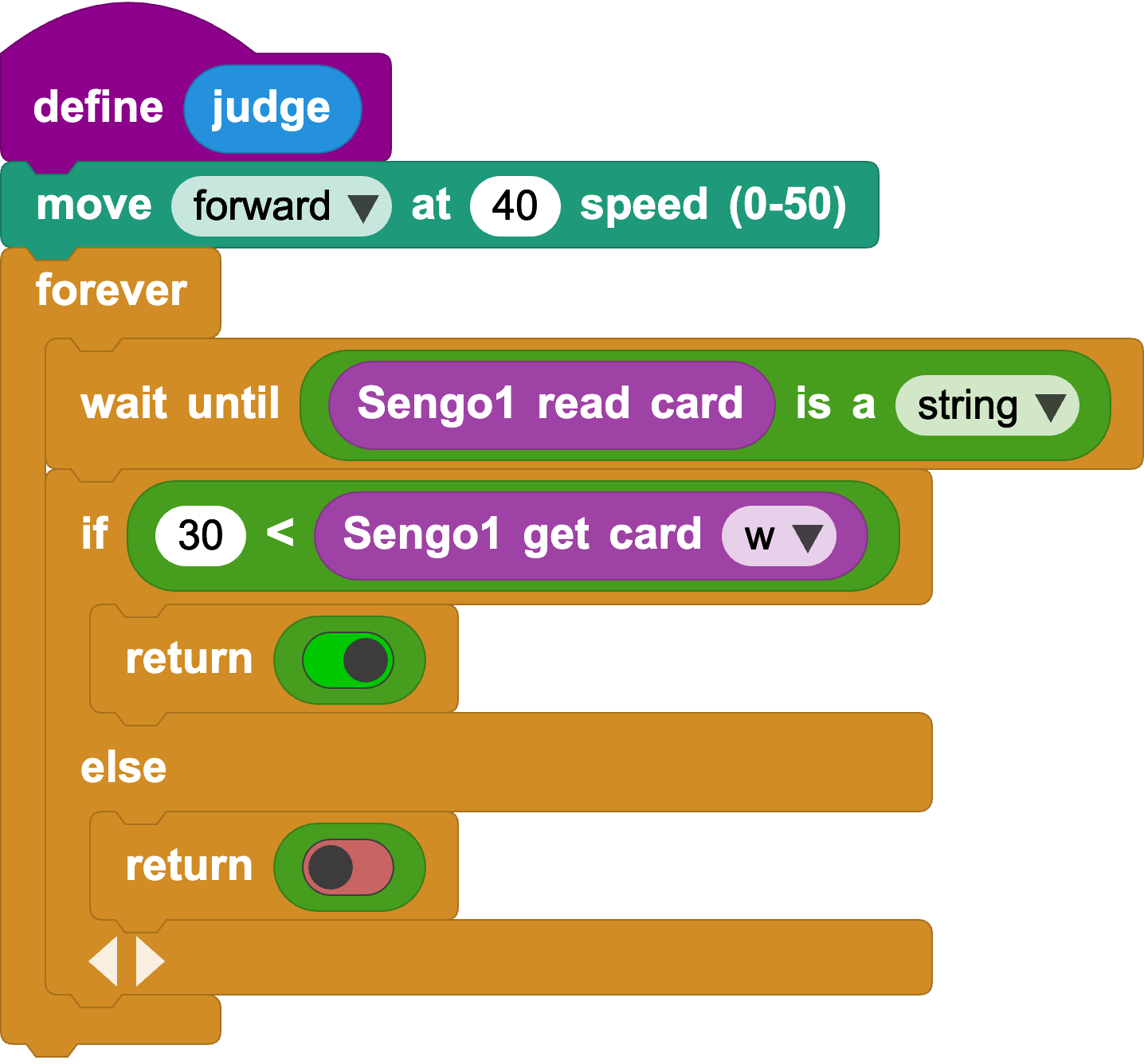
Comparison before and after adjustment:
6. Challenge
Try to implement a small-scale smart traffic sandbox using cards and bricks to simulate autonomous driving.
Reference Code: Smart Traffic Sengo1 Version
Reference Code: Smart Traffic Sengo2 Version