CoCube is a desktop AI educational robot, jointly developed by a team of masters and doctoral students from Shanghai Jiao Tong University and Fudan University. It aims to open the door to artificial intelligence for teenagers and create an interactive, fulfilling, and fun creative platform. By engaging students in the design of AI robots, from simple programming to the construction of complex interactive systems, CoCube helps them turn their ideas and inspirations into reality, thereby stimulating their curiosity and creativity.
I. Highlights of the CoCube Platform

II. Technical Specifications of CoCube
1. CoCube Robot Body


| Specification | Parameter |
|---|---|
| Main Controller | ESP32 Xtensa® 32-bit LX6 single/dual-core processor |
| Wi-Fi | 802.11 b/g/n (2.4Ghz) |
| Bluetooth | BLE standard |
| Mobility | Dual-track differential chassis, maximum speed 50 units/s |
| Positioning | High frame rate, millimeter-level absolute positioning, angle resolution 1° |
| TFT Screen | 1.54-inch full-color screen @240*240 |
| Buttons | Power button (bottom, long press 3s to power on/off), AB buttons (rear of the robot) |
| Buzzer | Passive buzzer |
| Magnetic Connector | CoCube 4Pin magnetic connector (I2C + I/O + UART), 5V @ 600mA |
| Lithium Battery | 400mAh @ 7.4V |
| Charging Voltage | Type C interface, 5V @ 1.2A |
| Battery Life | No limit in wired programming mode, about 2 hours in Bluetooth wireless programming mode, about 1 hour in Wi-Fi mode |
| Product Dimensions | 45 × 45 × 38mm |
| Product Weight | 63g |
2. CoMaps Positioning Map
The CoCube robot can obtain precise position and angle on the CoMaps positioning map.
For standard CoMaps, the overall size is approximately A3 paper size, and it is designed with various themes such as maze challenge, driving challenge, and Mars rescue.

The coordinates of the top-left corner of the map are (0,0), and the coordinates of the bottom-right corner are (300,200). The X-axis runs from left to right (0~300), and the Y-axis runs from top to bottom (0~200).
When the robot faces the positive direction of the Y-axis, it is 0 degrees. When the robot faces the negative direction of the Y-axis, it is 180 degrees, and the angle increases counterclockwise.
Dashed lines are printed every 50 units on the map for quick coordinate positioning.
CoMaps positioning maps support expansion and splicing to obtain a larger positioning range.
If you have custom requirements for CoMaps positioning map themes or large-size CoMaps maps, please contact the CoCube team.
3. CoModules Expansion Modules
The CoCube robot can easily expand different sensing, actuating, displaying, and AI modules through a magnetic connector.
The currently supported expansion modules are as follows:
| Expansion Module | Image | Function and Application Scenario |
|---|---|---|
| Servo Gripper |  |
Custom high-performance servo, no jamming during operation Designed with silicone anti-slip pads for smoother grasping Applicable to logistics handling courses and competition scenarios. |
| ToF (Time of Flight) |  |
By emitting infrared laser, it measures the time it takes for the light to reach an object and reflect back, thus obtaining precise distance data. It has excellent light adaptability and is not affected by the reflectivity of the target, allowing stable operation under various lighting conditions and usage scenarios. |
| WS2812 RGB LED Panel |  |
Using a 6 x 8 array, it provides 48 individually controllable RGB LEDs, supporting a variety of colors and dynamic effects. It can be easily programmed and controlled through a microcontroller or dedicated controller, supporting pixel-by-pixel adjustment for rich performance. |
| 3D Gesture Recognition |  |
Integrates high-precision, low-power gesture recognition sensors to support gesture recognition in three-dimensional space, enabling interactive control with the robot. |
| AI Visual Perception Module |  |
The AI visual perception module is designed with an advanced 64-bit RISC-V neural network processor K210, integrating various advanced visual algorithms such as color recognition, spot detection, line detection, card recognition, face recognition, AprilTag recognition, and QR code recognition, making AI visual applications easily accessible. Suitable for AI + robot creative sandbox courses and competition scenarios. |
| dlight | 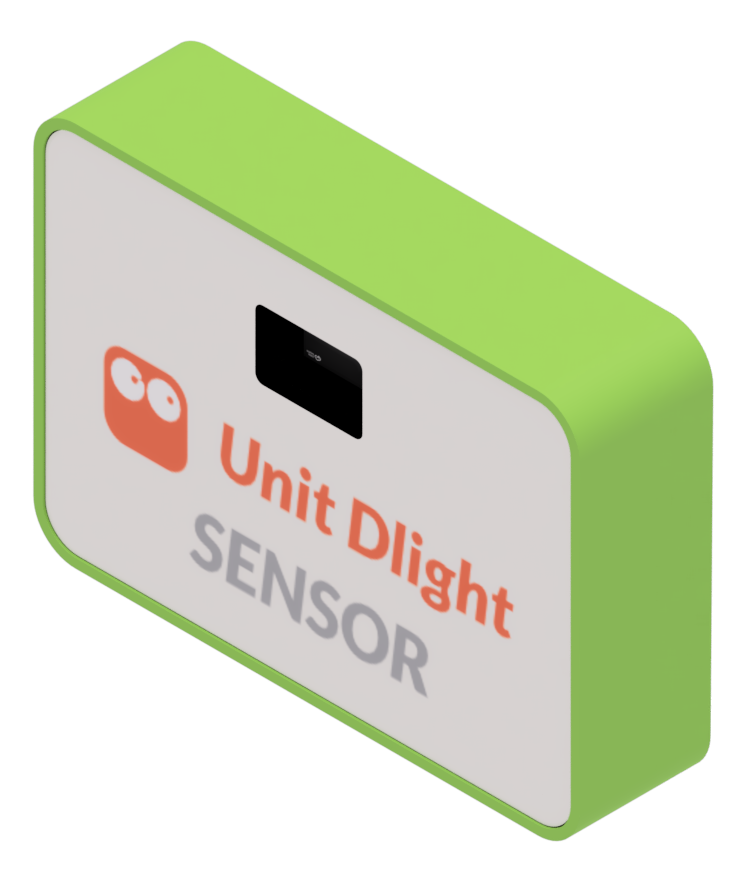 |
Digital ambient light detection sensor with characteristics of small size and low power consumption, suitable for various brightness detection and control adjustment scenarios. |
| ASR | 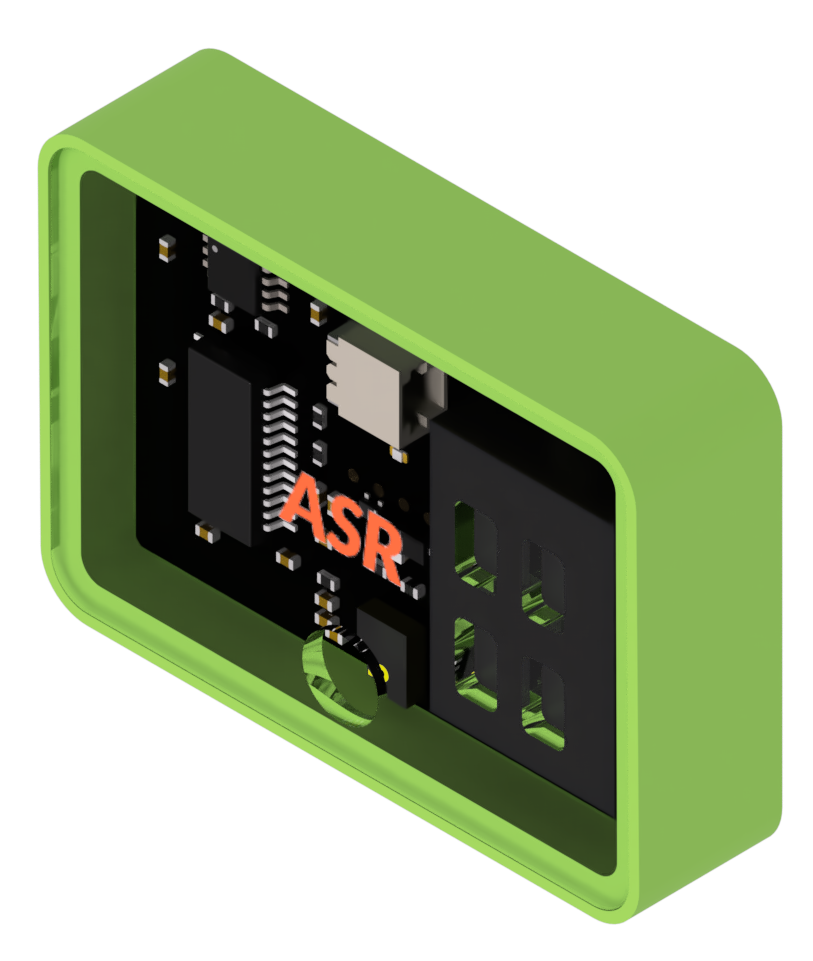 |
Speech recognition module with built-in 150 common command words, supporting self-learning wake words and command words. Suitable for voice dialogue, smart home control and other scenarios. |
If you have new application scenarios for CoModule expansion modules, please contact the CoCube team for assistance in development.
III. MicroBlocks Blocks Programming Platform
CoCube can be programmed directly in the browser using the MicroBlocks platform without the need for downloading or installing any software.
MicroBlocks is a blocks programming language for physical computing inspired by Scratch.
Home Page: MicroBlocks-Home
Programming Environment: MicroBlocks-CoCube
Don't be intimidated; believe me, a second-grade elementary school student can learn to program CoCube in just 5 minutes! You can do it too!